Free appointment booking software. Here is how it works.
Brakett gives your business a free booking page. Customers see your services, pick a time you are free, book, and pay online if you ask for payment.
No monthly fee. No card needed.
They book while your hands are busy.
You shouldn’t have to stop serving one customer just to book another.
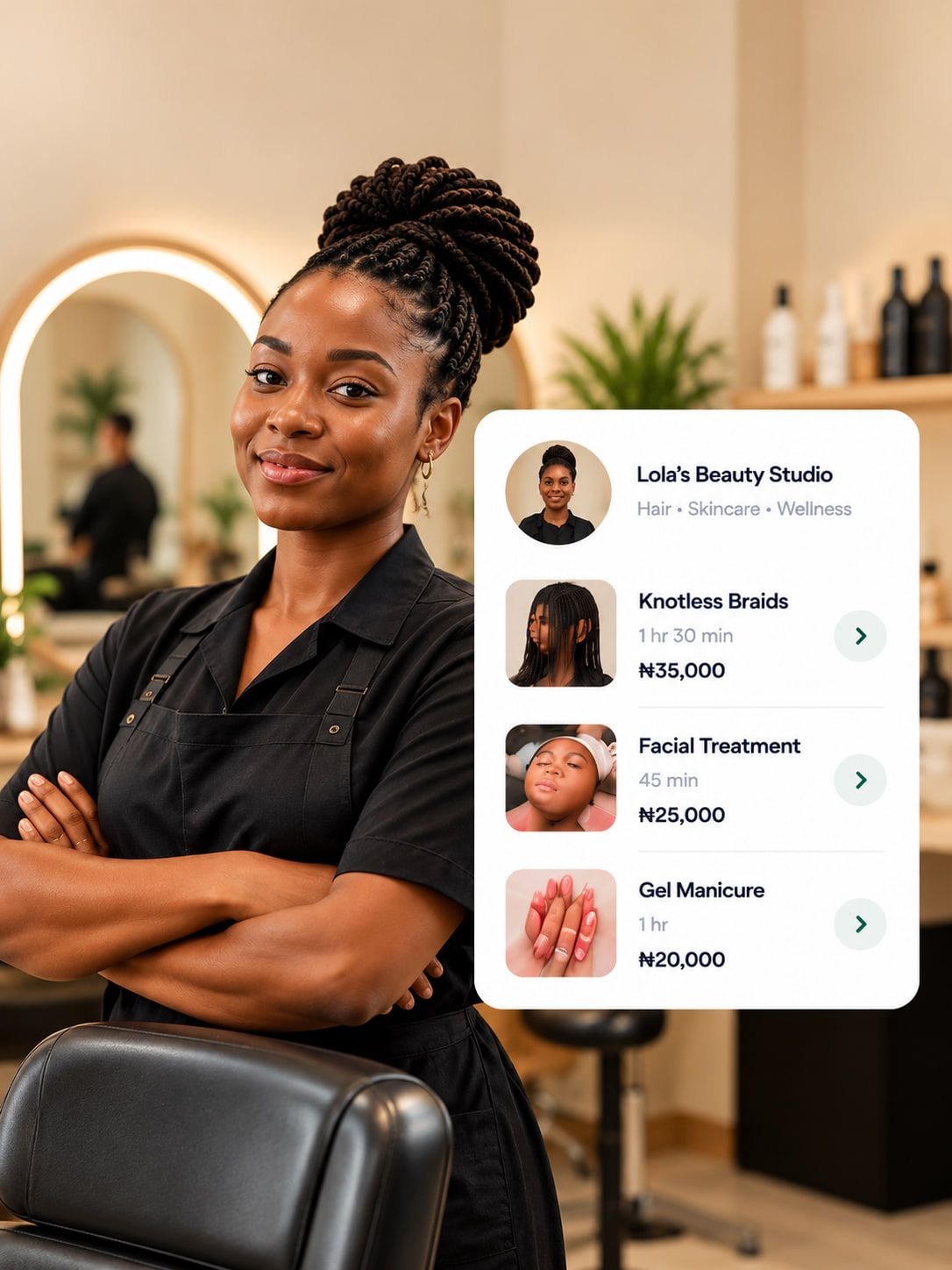
Choose a service: Box braids, 4 hours, ₦15,000 to book; Silk press, 1 hour 30 minutes, ₦20,000; Wash and set, 1 hour, ₦12,000. Step 1They see when you’re free.
Your services, prices, and available times are all on one page. Customers can find what they need without asking. Already have plans on Google Calendar? Connect it so Brakett knows when you’re busy.
- Each service has its own length, so your page offers only the times it fits.
- A time that is taken cannot be booked twice.
- If more than one customer can be served at the same time, you say how many, and that many can book the same time.
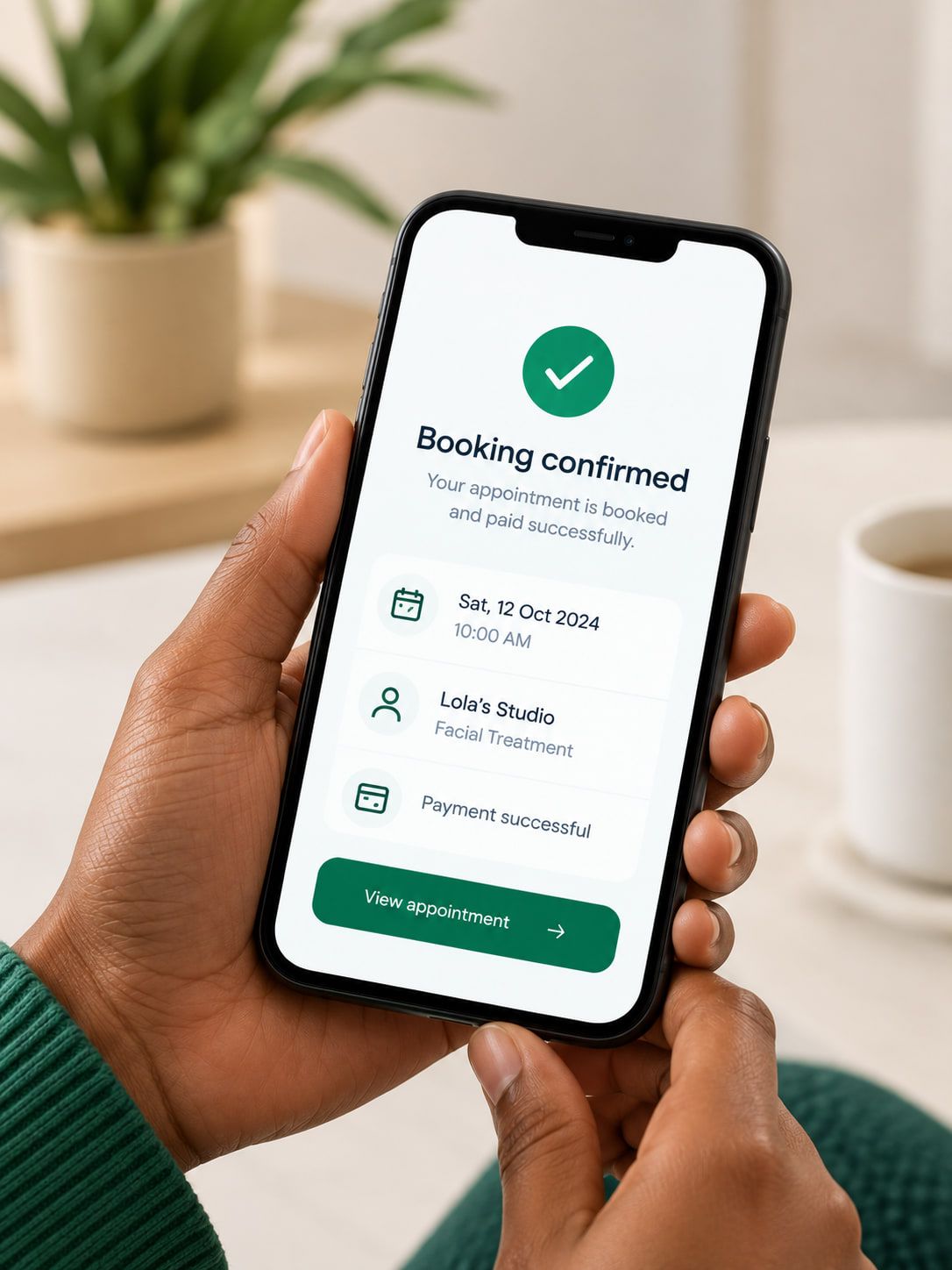
You're booked! A confirmation is on its way to your WhatsApp. Save it to your calendar: Sat 14 Nov, 10:00 AM. Step 2They choose a time and book.
Customers choose an available time and pay a deposit or the full price if you require payment to confirm. If they don’t pay in time, the slot opens up again.
- They open your link, choose a service, pick a day and a time, and leave their name and phone number.
- For each service you choose what confirms a booking: the full price, or a deposit. They pay by bank transfer or card.
Hi Ada 👋 Reminder: your Silk press is coming up on Sat 14 Nov, 10:00 AM. See you soon! Need a different time, or can’t make it? Use the buttons below. Reschedule. Cancel. Step 3Nobody forgets the appointment.
Brakett sends booking confirmations and reminders automatically, so everyone knows what’s booked.
- The booking appears on your calendar in Brakett, and the time comes off your page.
- The confirmation and the reminder carry Reschedule and Cancel. Reschedule shows the times that are still free. Both respect the deadlines you set.
- After booking, your customer can save the appointment to their own calendar, whether or not you use Google Calendar.
Your customer pays. Your payout starts within seconds.
Payouts are started automatically to your connected bank account. No wallet to withdraw from and no settlement day to wait for. When the money arrives depends on your bank.
Payouts may be held while our payment partner checks your bank account.
Turn “How much?” into booked and paid.
Keep talking to customers on Instagram and WhatsApp. Let your link take the booking.
- Instagram bio
Your link where they look first
Put your Brakett link in your Instagram bio. Someone looking through your work can see your prices and book a time without sending a message.
- Your DMs
Your link as the answer
When someone asks how much, or whether you are free on Saturday, reply with your link. They see the answer, pick a time and book it without waiting for you.
- Nigeria
Made for businesses in Nigeria
Your prices are in naira, your customers pay on your booking page, and your payouts go to your Nigerian bank account.
You set four things. Your page keeps to them.
- Services
What you offer
Add your services one at a time, or take a photo of your price list. Brakett reads the services from it and you check every one before it is added.
- Hours
When you take bookings
You set the hours you take bookings for each day. Add a second window on a day to take a break.
- Payment
What confirms a booking
For each service you choose what confirms a booking: the full price, or a deposit. With a deposit, the rest is the balance. Brakett asks your customer for it after the session, and it can be paid online or recorded as cash.
- Changes
How late a customer can change
No deadline unless you set one: a number of hours before the appointment. What happens to a paid booking that is cancelled is your policy, shown on your page and agreed to at booking.
Reminders you never type.
Brakett sends the confirmation, then a reminder 24 hours before, on WhatsApp with email as the backup. Each message is filled in from the booking and sent from Brakett’s own WhatsApp number, so your own WhatsApp stays yours for talking to customers.
If a number cannot receive WhatsApp, the same message goes by email. Messages are included: there is no charge for them.
- When they bookA confirmation with the day, the time and what they booked.
- 24 hours beforeA reminder, with Reschedule and Cancel.
- When they payA receipt for the payment.
- After the appointmentA thank you by email. If a balance is due, a request for it with a link to pay.
- Two days laterA WhatsApp message asking how it went, with a button to leave a review.
- When they are dueAn email reminder, with a link to book the same service again.
Every booking remembers the customer.
You do not keep a separate list. The bookings are the list.
Saved when they book
A customer who books from your page is saved with their name and phone number. There is nothing for you to type.
What they booked and what they paid
Each customer’s appointments and payments sit together, so you can see who is coming and what is still owed without scrolling through a chat.
Recognised next time
A returning customer is recognised by their phone number, so the next booking joins the same record. You can also add a customer you already know.
Your last customer could be your next booking.
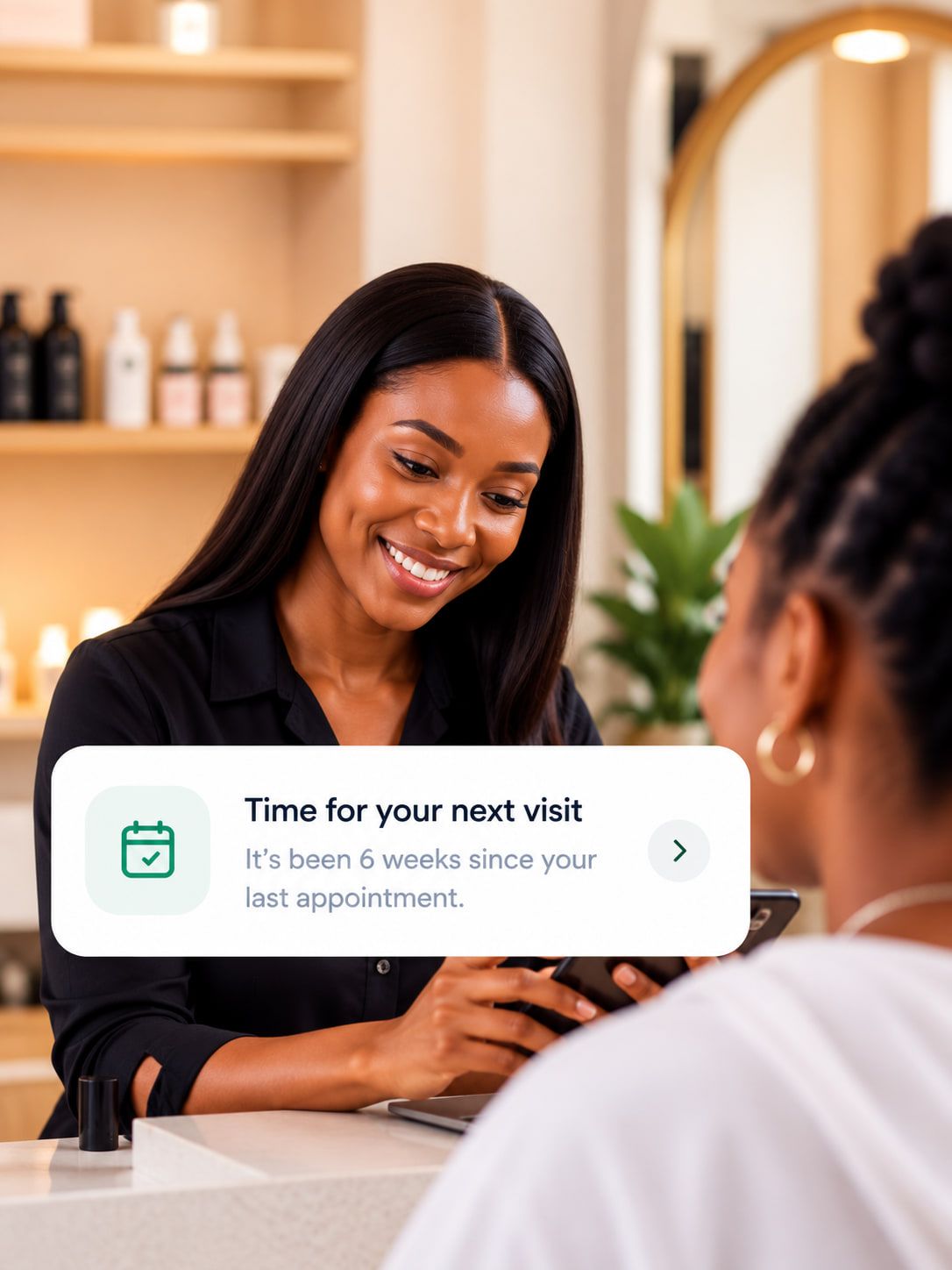
Your customers get busy. So do you. Brakett helps you stay in touch after appointments and reminds customers when it’s time to book again.
After the appointment
Brakett helps you thank customers and ask about their experience.
When it’s time to return
Set how often customers typically return for each service. Brakett reminds eligible customers when they’re due.
Booking again is easy
Customers can return to your booking page with their service already selected.
When that time comes, Brakett emails your customer a reminder, and follows up later on WhatsApp and email if they stay quiet. A customer with an appointment coming up is left alone, and anyone who asks to stop is not messaged again. The first reminder is an email, so it reaches customers who left an email address.
Works with Google Calendar and Google Meet.
Both are optional. Brakett works without them.
- Google Calendar
Busy there, not offered here
Connect one Google Calendar and the times you are busy there are not offered on your booking page. Brakett reads only when you are busy, never what an event is called or who it is with.
- Google Calendar
Your bookings in your calendar
Confirmed bookings appear in that calendar. They move when they are rescheduled and are removed when they are cancelled.
- Google Meet
Appointments you hold online
For a service you hold online, choose Google Meet as where it takes place. Each confirmed booking gets its own meeting link, and your customer is invited by email. It needs a connected Google Calendar, and your customer leaves an email address when they book. If the appointment is rescheduled, the same meeting moves with it.
After booking, your customer can save the appointment to their own calendar, whether or not you use Google Calendar.
Free to take bookings.
Taking bookings is free. When a customer pays you online, the fee is 4%, and never more than ₦4,000.
- ₦0To take bookingsYour booking page, your calendar and your reminders are free. No monthly fee, nothing to cancel.
- 4%When a customer pays onlineOf your price. Processing is inside it, with no separate service charge.
- ₦4,000The most on one paymentFrom ₦100,000 up, the fee stops growing.
Questions about how it works
What owners ask before they set up their page.
How much does appointment booking software cost?
Brakett is free to use: no monthly fee and no setup fee. You pay 4% of your price only when a customer pays you online, never more than ₦4,000 per payment. Payments you take in cash, by POS or by your own transfer are free to record.
What happens if a customer does not show up?
Two different things. A booking that was never paid is only a hold: it lapses on its own and the time opens up again. A paid booking that is cancelled or missed follows your own policy. You set the deadlines for changes, and whether to refund, and the policy is shown on your page.
Can a customer who walks in or calls still be booked?
Yes. A customer who walks in or calls is added by you to the same calendar, so that time is taken for everyone else. Cash, POS and transfers to your own account are free to record.
Do I need my own WhatsApp Business account for the reminders?
No. Brakett sends the confirmation and the reminder from its own WhatsApp number. You keep using your own WhatsApp to talk to customers, and Brakett never sees those chats.
What if a customer is not on WhatsApp?
The same message is sent by email.
Does Brakett work with Google Calendar?
Yes, if you want it to. Connect one Google Calendar and the times you are busy there are not offered on your booking page. Confirmed bookings appear in that calendar. They move when they are rescheduled and are removed when they are cancelled. It is one calendar for the business, it is optional, and Brakett works without it.
How do my existing customers get into Brakett?
They arrive as they book from your page. You can also add someone you already know, or a customer who walks in. A returning customer is recognised by their phone number.
See it for your kind of business








Set it up once. Let your page answer.
Your booking page is free. No monthly fee, no card needed.
No money left on the table.